
How to build a hollow sphere in Minecraft
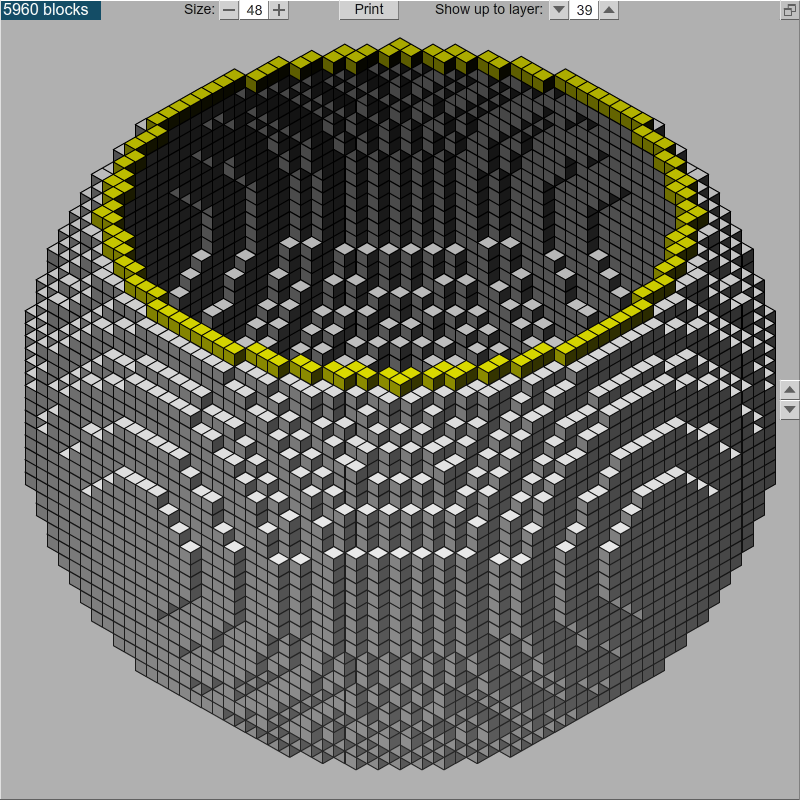
Plotz voxel sphere generator
for Minecraft
I wrote Plotz online voxel sphere generator to help people build hollow spheres made out of blocks in Minecraft. Using Plotz you can select the size of the sphere you want to build and see it on screen. You can then print out a schematic or use Plotz's on-screen step facility to see how the sphere is built layer by layer.
Start by visiting Plotz and follow the 'Take me to Plotz' link. Initially Plotz shows a 32 block high sphere. I'd recommend starting this size or smaller. This size took me a day to make (In Real Life) although I did mine all the materials myself. Use the arrows either side of the size to step up or down 1 block in size or type in a new size between 1 and 64 and hit enter to change it. Be patient if your machine is slow while Plotz generates and renders the sphere. Once you're happy with the size of sphere you want to build you can either print out a schematic OR work on screen.
If printing, hit the print button. Plotz will preview the schematic on screen. The various print options are well explained and mostly relate to saving paper. The ghost layer is by far the most useful option and is turned on as default. This makes sure you can see how each layer is positioned relative to the layer below. Adjust your options if required and then click Print. Choose your printer, set and printer specific options, start printing and make a coffee.
You might also consider printing to a file such as a PDF file. I've heard CUTE PDF is good for this but haven't used it myself. Printing to a file will allow you to bring the schematic up on-screen. This is especially useful if you have multiple monitors.
If you don't have a printer, don't despair. I actually found working on screen and stepping through the layers of my sphere very easy. Start by entering 1 in 'show up to layer'. Now use the arrow buttons either side of that value to step through the layers. The gold highlight clearly shows the current layer. Switch between Plotz and Minecraft while building using your OS hotkeys (alt+tab for windows).
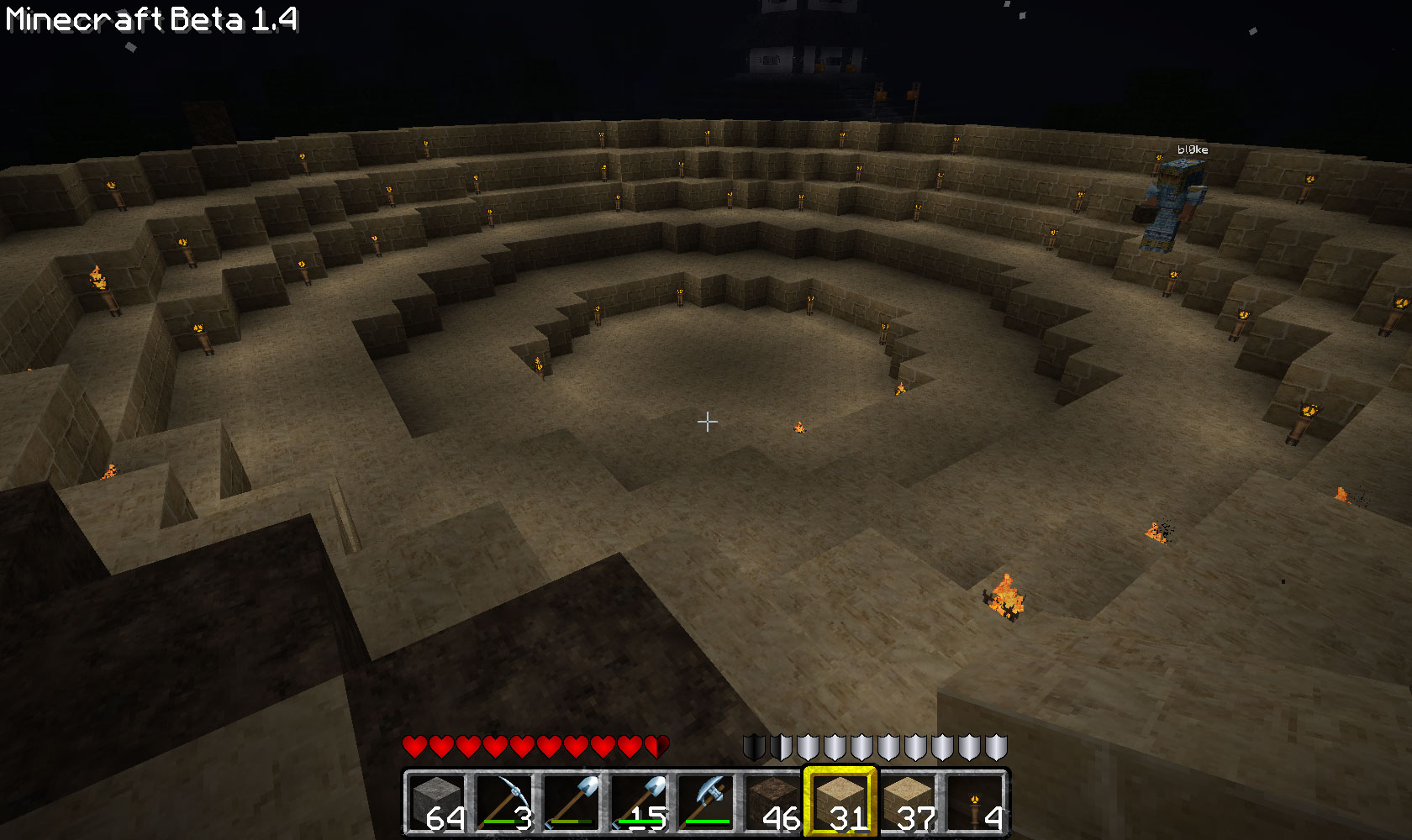
6 layers in with
dirt 'joining' blocks front left
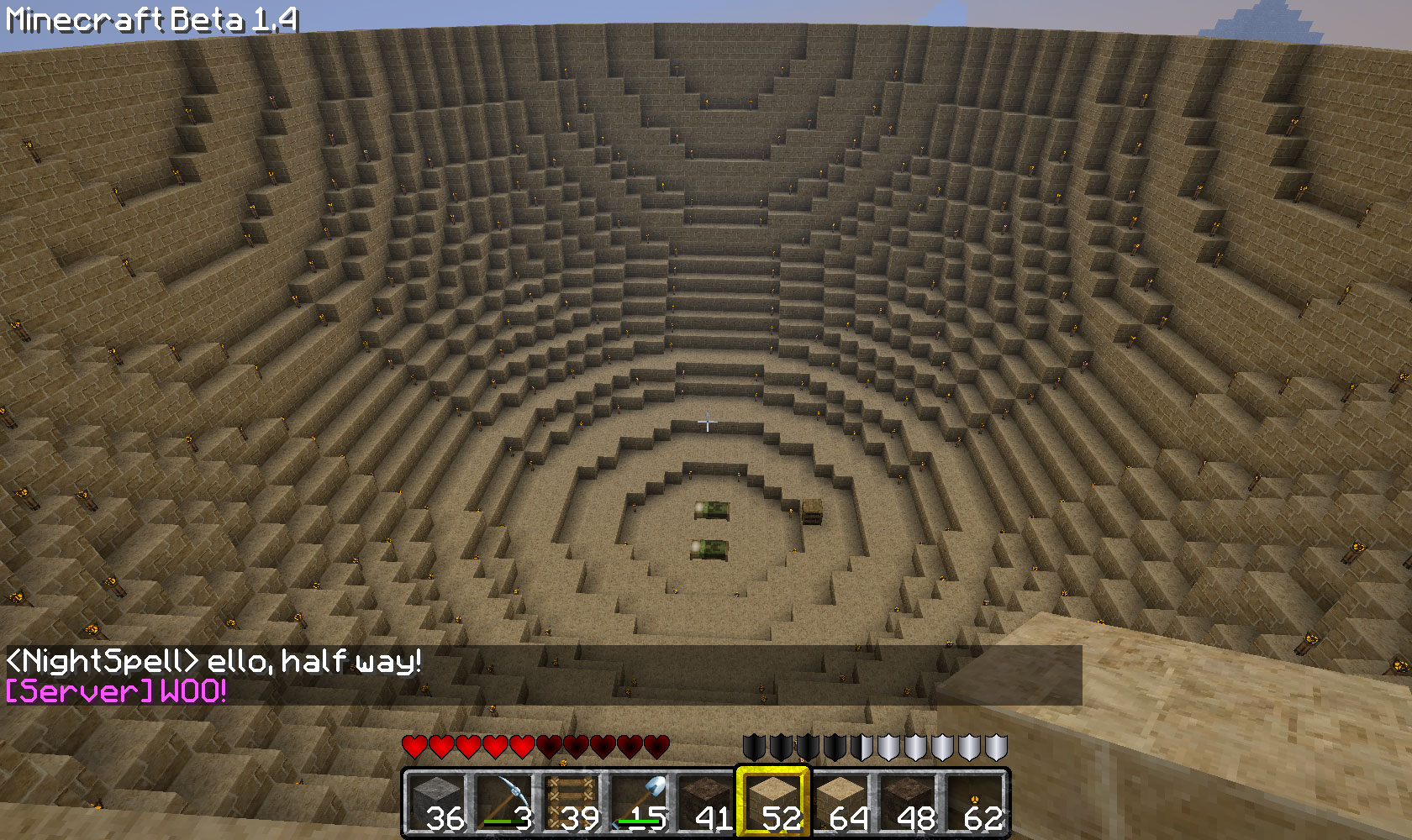
48 block high voxel sphere
half way done

Close to finished and
in the clouds
Make sure there is enough room to build your sphere. I put down dirt 'posts' to mark out the width and height where I wanted to build. This way I made sure I wasn't going to end up having to dig out any mountains or cliffs that might be in the way. Also, remember that from ground level to the top of the sky is 64 blocks. Don't leave yourself short of space to finish your sphere.
Starting from the ground up is a no-brainer choice. Where there are no overlapping blocks between one layer and another, just use dirt blocks as 'joiners' and remove them later. I also used dirt with ladders for scaffolding as well as ladders. Always enter (and exit) from the top in case there are any creepers about and light up the inside with torches to stop skeletons and zombies spawning inside at night.
When building a layer I found it easiest to remember the stepping around the edge of 1/8th of the circle as a series of numbers in my head. Even when I built a 48 size sphere I never had to remember more then 4 or 5 numbers. Build each eigth towards another to make quarters. When they meet at the correct place you can be confident there's no mistakes. Before you know it, that layer is finished and you're on to the next.
I hope you find Plotz useful and please leave feedback here on my blog with any comments you have!
Dirt and ladders
scaffolding
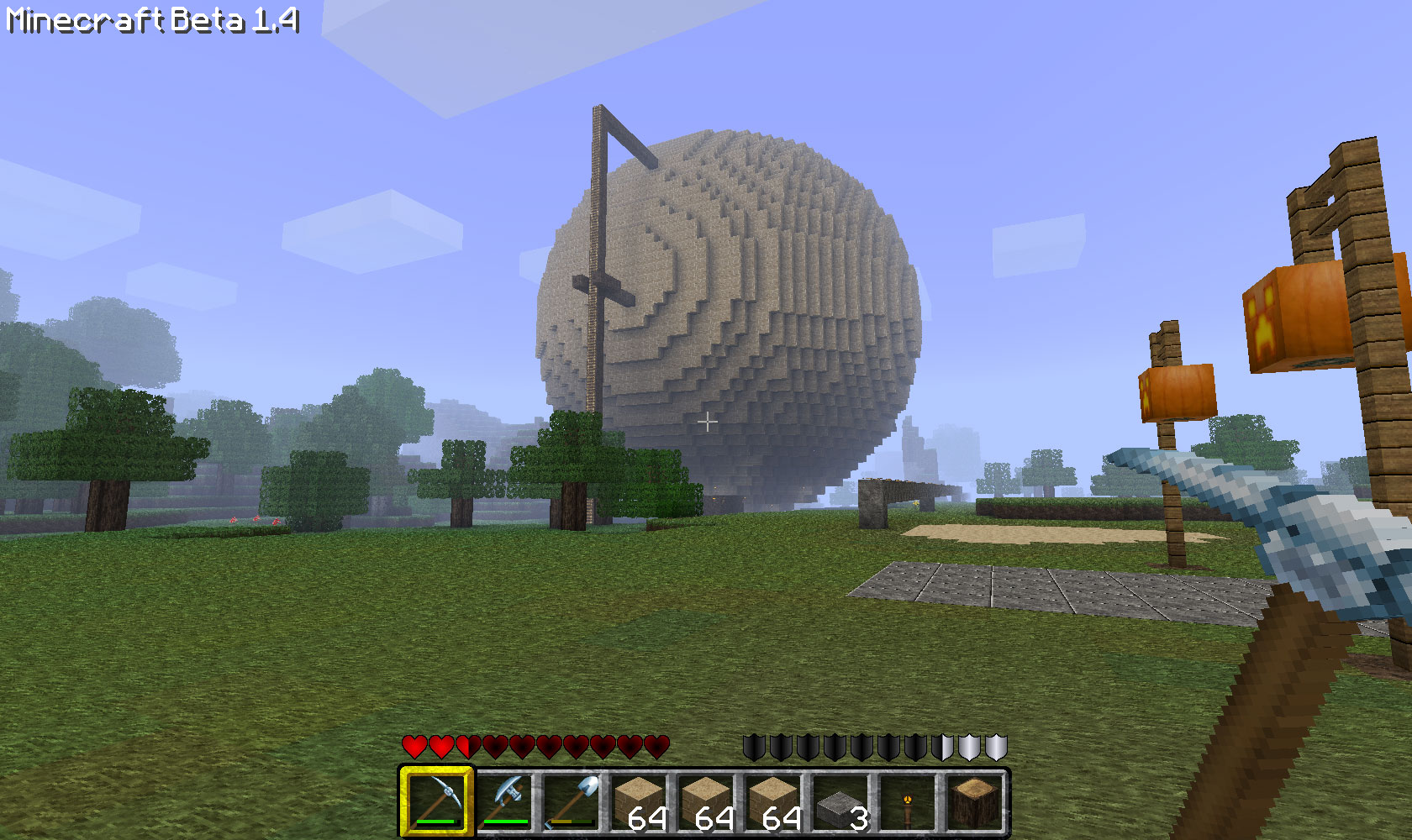
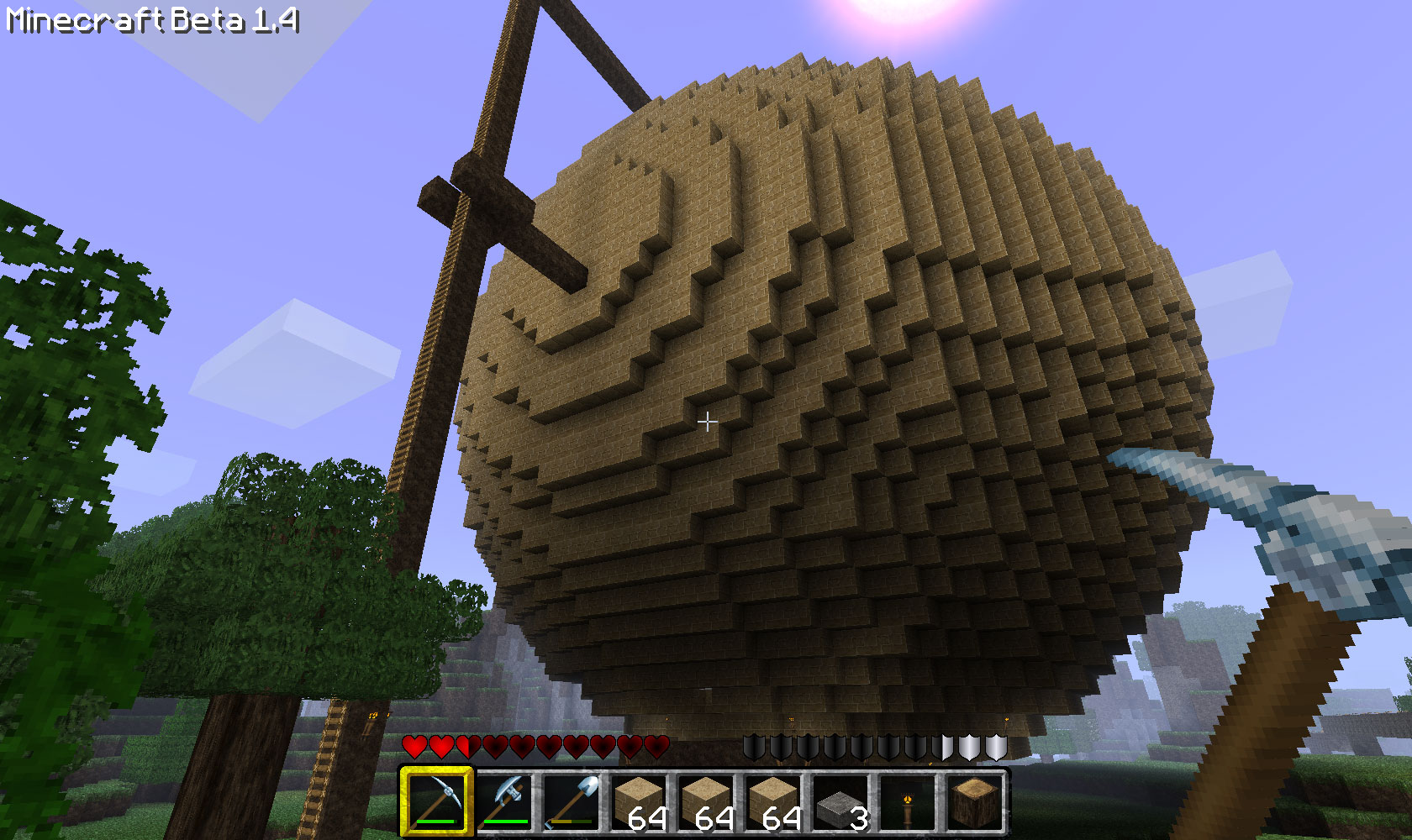
Even at a distance a
48 high sphere is huge
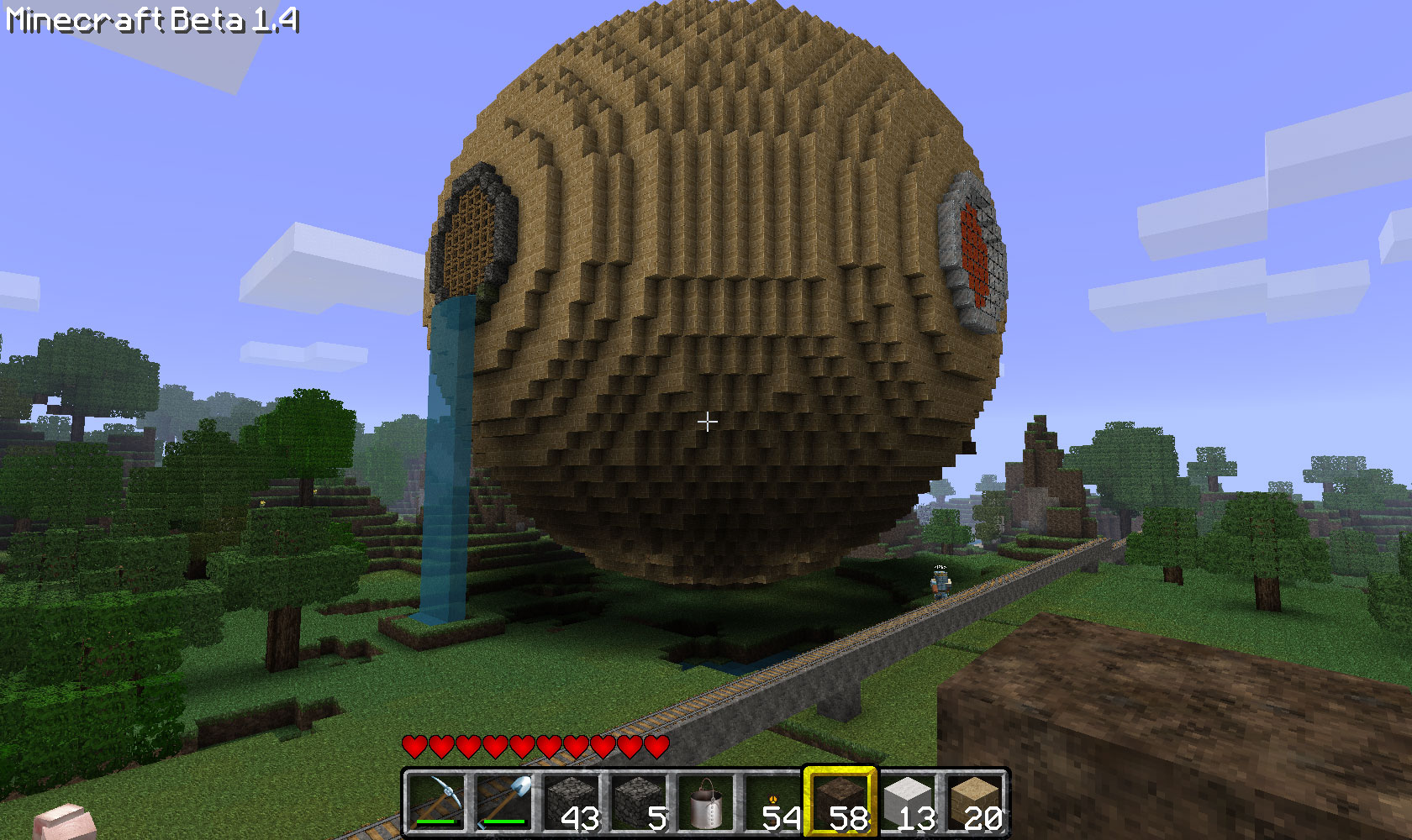
The finished sphere with
fancy end caps
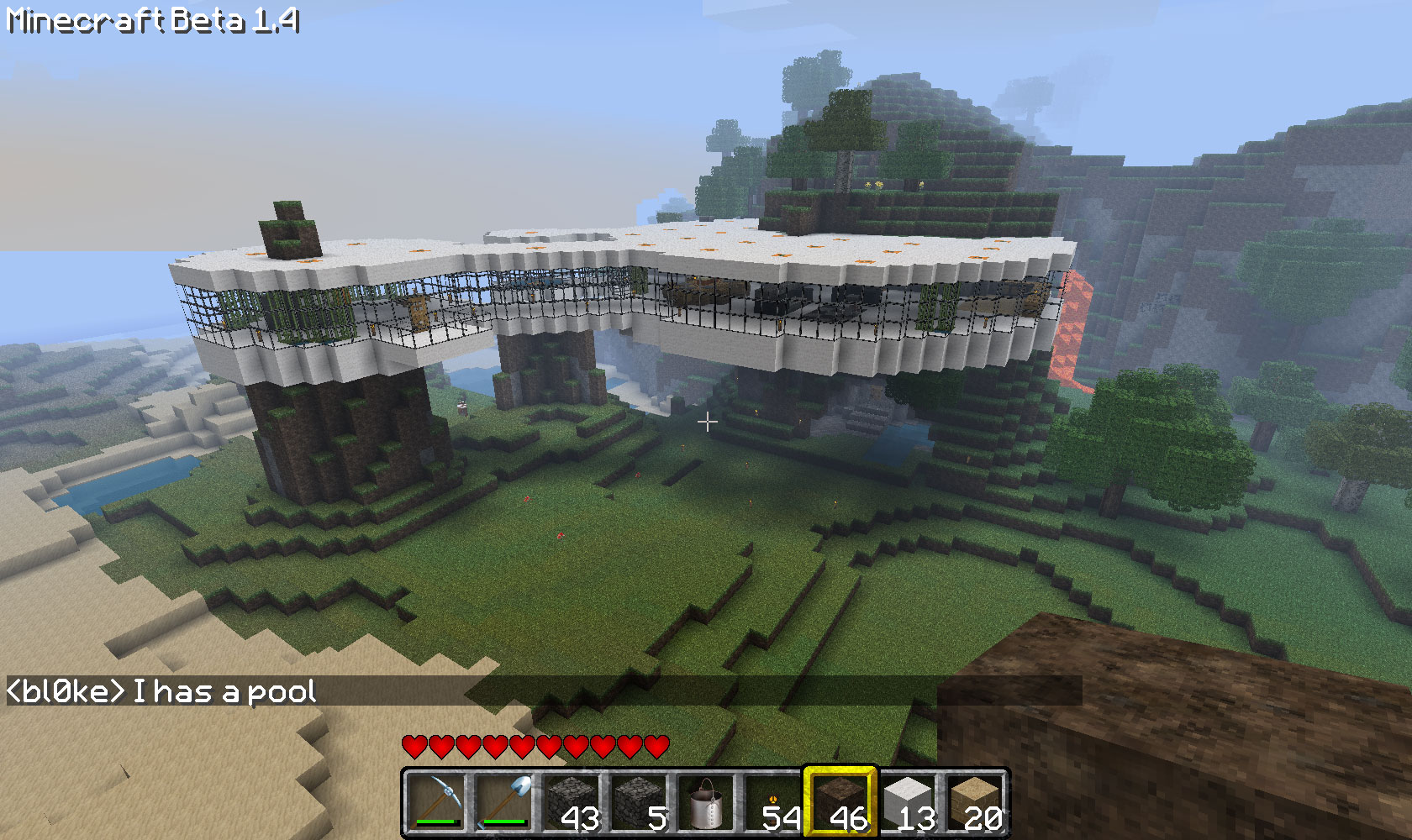
Modern house made using
Plotz as a guide
Related articles
Comments(21)
btw LOVE the modern house kevblog. i may actually try something like that later today.
A nice tweak to the sphere tool would be to allow the user to remove the bottom, so has to produce a dome (currently half the sphere can be shown, but only by taking the top away, not the bottom).
1.) The total block count is good, but how about showing the blocks on the current highlighted level? This would help in resource and inventory planning.
2.) Perhaps mousing over a yellow block could provide relative (x,z) coordinates? On an odd diameter, the center would be (0,0), but with an even diameter, the logical center would probably need to be (1,1)(1,-1)(-1,1)(-1,-1).
Keep up the great work!
anyway.. thanx for thsi wonderful tool
also, RADIUS (as an addition or replacement) would be really nice get layouts that accomodate certain chest/door placement configurations.
Thanks so much.
as regards the sphere, thanks for thinking of revisiting that when you are ready too - no pressure..! ;)
i need the sphere generator to go up to 256, so that i can use just the top 1/4 levels to build the largest habitat dome i can in Mcraft. any chance of increasing your upper limit to accommodate me? :)
cheers!